
Windows updates are supposed to improve security, fix bugs, and add new features. Most updates install without much attention, but sometimes a routine update can suddenly create new problems. Printers stop responding, computers run slower than normal, WiFi connections disappear, or programs that worked yesterday begin acting strangely.
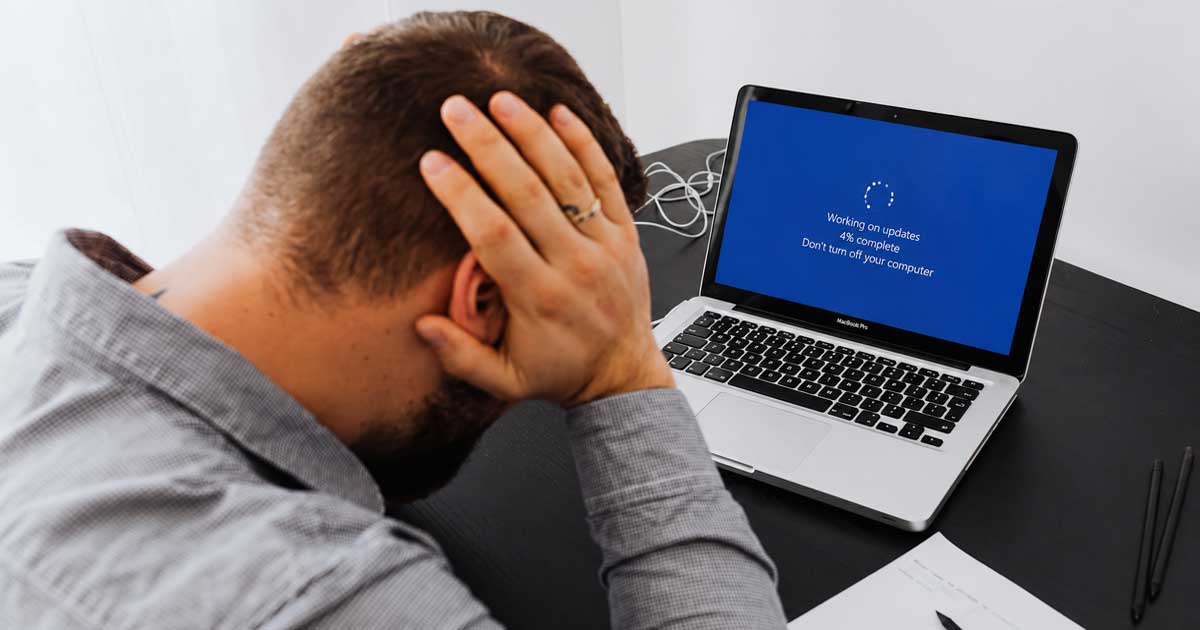
If your computer suddenly started having issues after a Windows update, you are not alone.
Below are some of the most common Windows update problems people have been dealing with recently and a few things worth trying before assuming the computer itself has failed.
Computer Running Slow After an Update
Many users notice their computer feels slower immediately after Windows installs updates.
Common symptoms:
- Long startup times
- Slow browser performance
- Increased fan noise
- Programs taking longer to open
- High disk usage
Things to try:
- Restart the computer completely
- Give Windows some time to finish background tasks
- Open Task Manager and look for programs consuming unusually high resources
- Remove unnecessary startup programs
- Make sure enough free drive space is available
Sometimes Windows continues indexing files and completing maintenance tasks for several hours after a major update.
Printer Suddenly Stopped Working
This is one of the most common calls many computer repair businesses receive.
Things to check:
- Restart the printer and computer
- Verify the printer still shows as connected
- Run Windows printer troubleshooting
- Remove and reinstall the printer
- Check the printer manufacturer’s website for updated drivers
Printer issues after updates are usually software or driver related rather than hardware failure.
WiFi Problems After Updating
If your wireless connection suddenly becomes unstable after an update:
Try the following:
- Restart your modem and router
- Restart your computer
- Forget and reconnect to your WiFi network
- Update or reinstall wireless drivers
- Run Windows network troubleshooting
If several devices lose connectivity at once, the problem may be the router rather than Windows itself.
Programs Suddenly Acting Strange
Some applications may behave differently after major updates.
You might see:
- Programs freezing
- Login problems
- Missing settings
- Applications failing to open
Possible fixes:
- Check for updates from the software developer
- Restart the application
- Reinstall the program if necessary
- Verify compatibility with your version of Windows
Blue Screens or Random Restarts
Although less common, some updates can trigger hardware driver conflicts.
Possible causes:
- Outdated drivers
- Failing hardware
- Corrupted system files
- Conflicts with older software
Windows includes built-in tools that can scan and repair damaged system files.
Before Assuming Your Computer Needs Replaced
Many problems that appear after Windows updates can be corrected without replacing the computer. Slow performance, missing printers, or software problems often turn out to be settings, drivers, or temporary update issues.
Before spending money on a new system, it is worth checking the basics first.
Need Help?
If a Windows update left your computer running slow, disconnected from the internet, or acting differently than normal, PCITService provides assistance for home users and small businesses.
Contact us if you need help troubleshooting computer, software, or Windows-related problems.